
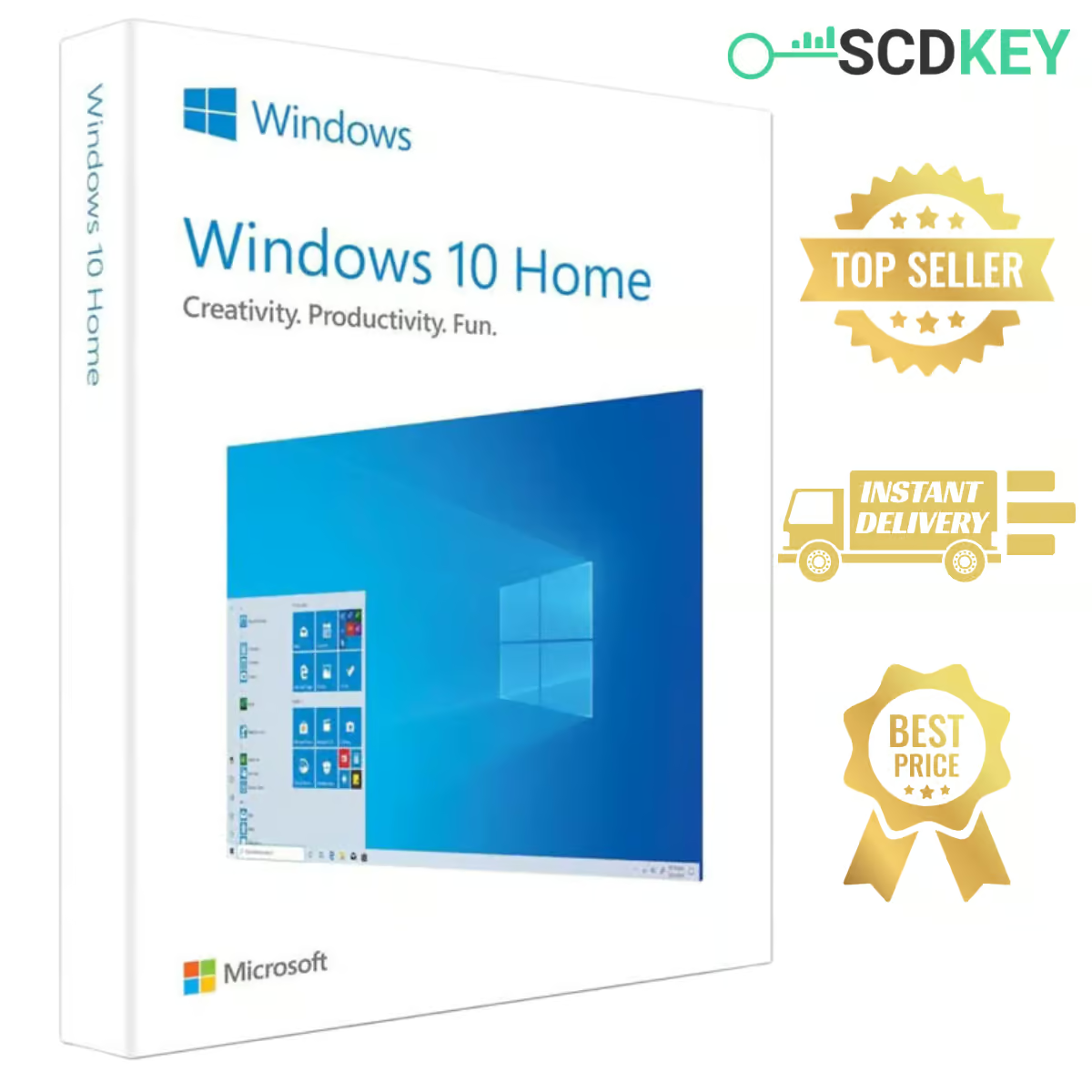
🔑 Buy a Windows 10 Home Key with Instant Delivery
Get your Windows 10 Home key from SCDKey for just $9.99. After payment, your Windows 10 Home product key is sent to your email – usually within 4–10 minutes – with simple activation instructions.
Windows 10 Home is a simple, familiar system for everyday use, and a practical choice for older PCs that don’t meet Windows 11 requirements (TPM 2.0 or a supported CPU).
⭐ What You Get with Windows 10 Home
✔ Familiar Interface – the classic Start menu and taskbar you already know.
✔ Built-in Security – Windows Defender and Firewall protection.
✔ Smooth Everyday Performance – browsing, office work, streaming and school.
✔ Gaming Support – DirectX 12 and Xbox app integration.
✔ Virtual Desktops – keep work and personal apps organized separately.
✔ Multi-Language Support – use Windows 10 in your preferred language worldwide.
📅 Is Windows 10 Home Still Worth It?
Good to know before you buy: Windows 10 reached its official end of support on October 14, 2025, and the consumer Extended Security Updates program ends on October 13, 2026. Your system will keep running and activating as usual – there just won’t be new monthly security patches after that.
👉 Is your PC Windows 11 compatible? Then pick the Windows 11 Home key instead – same $9.99 price, with ongoing updates.
🤔 Windows 10 Home or Windows 10 Pro?
Choose Home for personal use, study, light gaming and entertainment.
Choose Pro if you need BitLocker encryption, Remote Desktop, Hyper-V or to join a company network. See our Windows 10 Pro key.
💡 Want to upgrade to Pro later? You can easily upgrade from Windows 10 Home to Pro at any time with a Pro key without reinstalling or losing your files.
⚡ How to Activate Your Windows 10 Home Key
1️⃣ Place your order on SCDKey and complete payment.
2️⃣ Check your email – your Windows 10 Home product key arrives within minutes.
3️⃣ On your PC, open Settings > Update & Security > Activation.
4️⃣ Click Change product key, enter your key and confirm.
📥 Download Windows 10 Home
Doing a clean install? Download the official Windows 10 installation media from Microsoft and choose the Home edition during setup, then activate it with your SCDKey license key.
➡ Download Official Windows 10 from Microsoft
📩 How Delivery Works
As soon as your payment is confirmed, our system emails your Windows 10 Home key – most customers receive it in 4 to 10 minutes. Please double-check your email address at checkout, and look in your spam or promotions folder if the message doesn’t appear in your inbox. Still nothing? Our team will resend it right away.
🛡️ Our Replacement Guarantee
Activation error? Message us on WhatsApp, email or live chat within 48 hours of your order, share your order number and a screenshot, and we’ll send a new key at no extra cost once the issue is confirmed. Our team is available 7 days a week.
🏆 Why Buy from SCDKey?
✔ Instant Digital Delivery – get your key within minutes.
✔ Affordable Price – genuine Windows 10 Home for just $9.99.
✔ Multiple Payment Options – smooth and flexible checkout.
✔ Rated 4.6/5 by our verified customers.
🔧 System Requirements
✔ Windows 10 Home 64-bit
✔ OEM license – one key activates one PC
✔ Internet connection required for online activation
🛒 Related Products
➡ Windows 11 Home Key
➡ Windows 10 Pro Key
➡ Office 2021 Professional Plus Key
➡ All Windows 10 Keys
❓ Windows 10 Home Key – FAQ
How much does a Windows 10 Home key cost?
At SCDKey, a genuine Windows 10 Home key costs $9.99, delivered instantly by email within minutes.
Is this an OEM or Retail key?
This is an OEM key. It unlocks the full Windows 10 Home edition. Unlike a Retail key, it binds to your PC’s hardware and cannot be transferred to another computer.
Does Windows 10 Home still activate in 2026?
Yes! Microsoft activation servers continue to accept Windows 10 keys without any issues, so installation and online activation work exactly as expected.
Will a Windows 10 Home key work on Windows 10 Pro?
No. A Home key only activates Windows 10 Home. If you need Pro features (or want to upgrade from Home to Pro later), you will need a Windows 10 Pro key. Upgrading is simple and our delivery email includes clear instructions on how to complete the upgrade without reinstalling or losing your files.
What happens if I reinstall Windows 10 Home?
On the same computer, Windows recognizes your hardware and reactivates automatically as soon as you connect to the internet.
My key shows an error – what should I do?
Take a screenshot of the error message and send it to our support team with your order number within 48 hours of purchase. Once verified, we will send you a working replacement key free of charge.
Needed a clean license for an older desktop. Activated immediately with zero hassle.
Legit key at a great discount. Clean activation directly in Windows settings.
Chegou rápido por e-mail e ativou sem complicação no meu computador. Atendimento prestativo e licença genuína da Microsoft.
Fast delivery and permanent activation. Definitely recommend this seller for affordable Windows licenses.
The delivery email landed in my junk box, but seller replied immediately to my message to confirm it. Key is completely genuine. Thank you!