
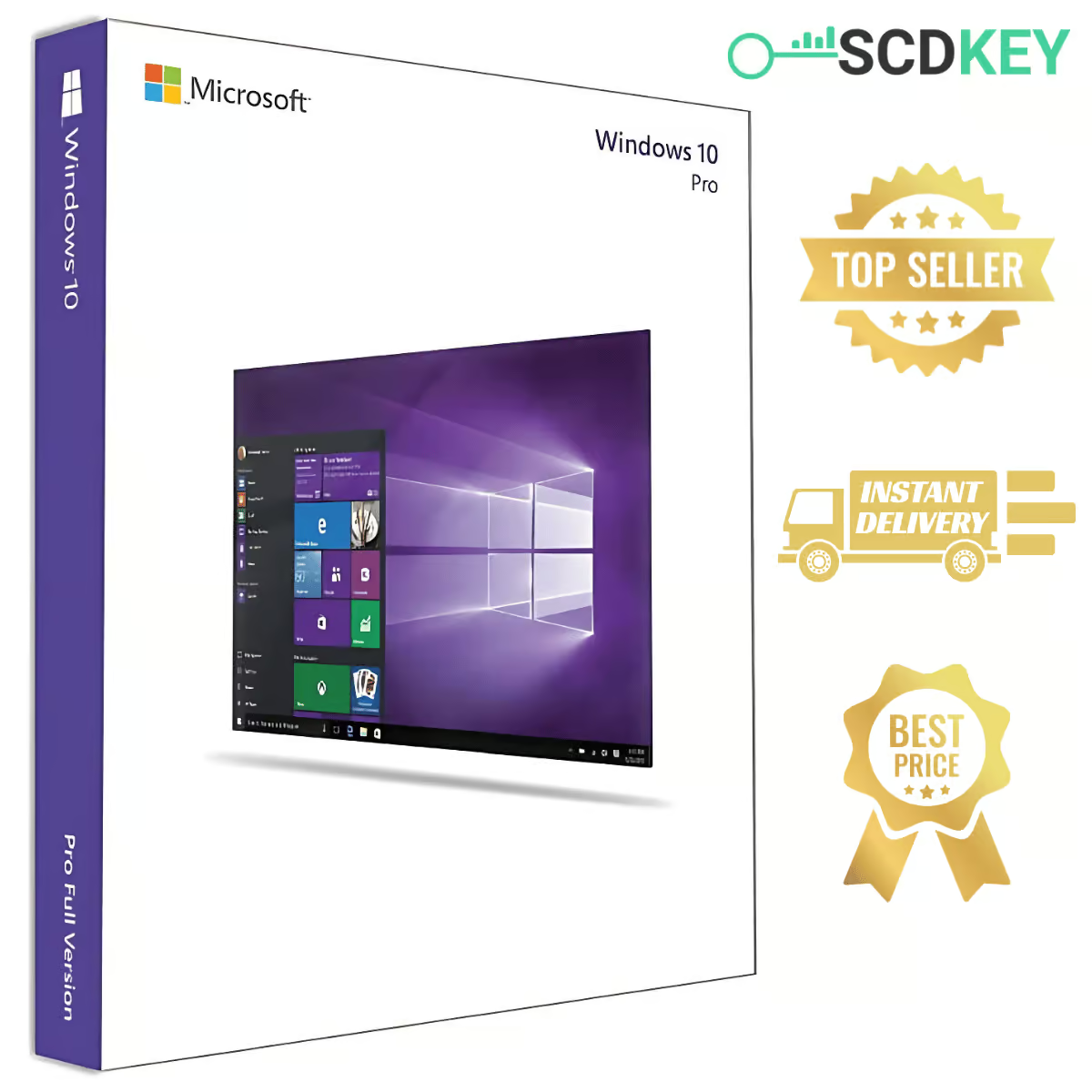
🔑 Buy a Windows 10 Pro Key with Instant Delivery
Get your Windows 10 Pro key from SCDKey and unlock the business and security features of the Pro edition. After payment, your Windows 10 Pro product key is sent straight to your email – usually within 4–10 minutes – with simple activation instructions.
Windows 10 Pro is a great choice if your PC doesn’t meet the Windows 11 hardware requirements, or if you rely on software and devices that work best on Windows 10.
⭐ What You Get with Windows 10 Pro
✔ BitLocker Encryption – protect your files if your PC is lost or stolen.
✔ Remote Desktop – access your PC from anywhere.
✔ Hyper-V – run virtual machines on your own computer.
✔ Group Policy & Windows Update for Business – control how and when updates install.
✔ Domain Join – connect to a company network or Azure AD.
✔ Multi-Language Support – use Windows 10 Pro in your preferred language worldwide.
🆚 Windows 10 Home vs Windows 10 Pro
| Feature | Home | Pro |
|---|---|---|
| BitLocker encryption | ❌ | ✅ |
| Remote Desktop (host) | ❌ | ✅ |
| Hyper-V virtualization | ❌ | ✅ |
| Group Policy Editor | ❌ | ✅ |
| Join a business domain / Azure AD | ❌ | ✅ |
| Windows Defender, Microsoft Store, virtual desktops | ✅ | ✅ |
📅 Windows 10 End of Support – What It Means for You
Microsoft ended support for Windows 10 on October 14, 2025. Windows 10 Pro keeps working and can still be activated, but it no longer receives regular security updates. Extended Security Updates (ESU) for home users run until October 13, 2026.
💡 Planning to move to Windows 11 later? If your PC is compatible, we recommend our Windows 11 Pro key for the latest security updates.
⚡ How to Activate Your Windows 10 Pro Key
1️⃣ Place your order on SCDKey and complete payment.
2️⃣ Check your email – your Windows 10 Pro product key arrives within minutes.
3️⃣ On your PC, open Settings > Update & Security > Activation.
4️⃣ Click Change product key, enter your key and confirm.
💡 Upgrading from Windows 10 Home? Enter the Pro key in the same activation settings. Windows upgrades to Pro automatically and keeps your personal files and apps intact – no reinstall needed. Your delivery email also includes step-by-step instructions on how to complete the upgrade smoothly.
📥 Download Windows 10 Pro
Doing a clean install? Download the official Windows 10 installation media from Microsoft, then activate it with your SCDKey product key.
➡ Download Official Windows 10 from Microsoft
🚀 Instant Delivery – No Waiting!
✅ Your activation key is delivered by email right after payment.
✅ Delivery usually takes 4–10 minutes for verification and processing.
✅ Don’t see the email? Check your spam/junk folder or contact our support team.
✅ Make sure you enter a valid email address at checkout.
🔄 Free Key Replacement & Support
If your key does not activate, contact us within 48 hours of purchase and we will replace it free of charge.
✅ Support 7 days a week – WhatsApp, email or live chat.
✅ Fast Issue Resolution – send your order number and a screenshot of the error.
✅ Hassle-Free Replacement – we verify the issue and send you a working key.
🏆 Why Buy from SCDKey?
✔ Instant Digital Delivery – get your key within minutes.
✔ Affordable Price – Windows 10 Pro for just $14.99.
✔ Easy Payment Methods – multiple options for a smooth checkout.
✔ Rated 4.6/5 by our customers.
🔧 System Requirements
✔ Windows 10 Pro 32-bit or 64-bit
✔ OEM license – one key activates one PC
✔ Internet connection required for activation
🛒 Related Products
➡ Windows 11 Pro Key
➡ Windows 10 Home Key
➡ Office 2021 Professional Plus Key
➡ All Windows 10 Keys
❓ Windows 10 Pro Key – FAQ
How much does a Windows 10 Pro key cost?
At SCDKey, a genuine Windows 10 Pro key costs $14.99, delivered instantly by email within minutes.
Is this an OEM or Retail key?
This is an OEM key. It unlocks the full Windows 10 Pro edition with all features. Unlike a Retail key, an OEM key is tied to your PC’s hardware and cannot be transferred to another computer.
Can I still activate Windows 10 Pro after end of support?
Yes! Windows 10 Pro can still be installed and activated normally. End of support only means Microsoft no longer releases regular security updates, but activation servers remain fully operational.
Can I upgrade from Windows 10 Home to Pro with this key?
Yes! You can upgrade from Windows 10 Home to Pro without reinstalling Windows or losing your personal files. Along with your activation key, your delivery email includes clear, step-by-step instructions showing you exactly how to complete the upgrade smoothly.
Can I use this key to activate Windows 11 Pro?
In most cases, a Windows 10 Pro key can also activate Windows 11 Pro on supported hardware. However, if you plan to install Windows 11 from the start, we recommend choosing our dedicated Windows 11 Pro key.
Can I reinstall Windows on the same PC?
Yes. Once activated, the digital license is permanently linked to your PC’s motherboard and will reactivate automatically as soon as you connect to the internet.
What if my key doesn’t work?
Contact our support team within 48 hours of purchase with your order number and a screenshot of the error. We will verify the issue and send you a working replacement key free of charge.
Upgraded from Windows 10 Home to Pro smoothly using this key. Email arrived within seconds.
Genuine key. System activated permanently and received all Microsoft updates normally.
Make sure to check your spam/junk folder if you don’t see your key right away! Mine was filtered there. Support responded super quickly when I asked about it. Key worked perfectly on a fresh install.
Die E-Mail ist im Spam-Ordner gelandet, aber der Support hat super schnell geantwortet. Der Key funktioniert einwandfrei. 4 von 5 Sternen wegen Spam-Filter, sonst top.
Chave 100% original. Ativou o Windows 10 Pro na hora nas configurações do sistema. Recomendo demais pelo ótimo preço e entrega rápida.