
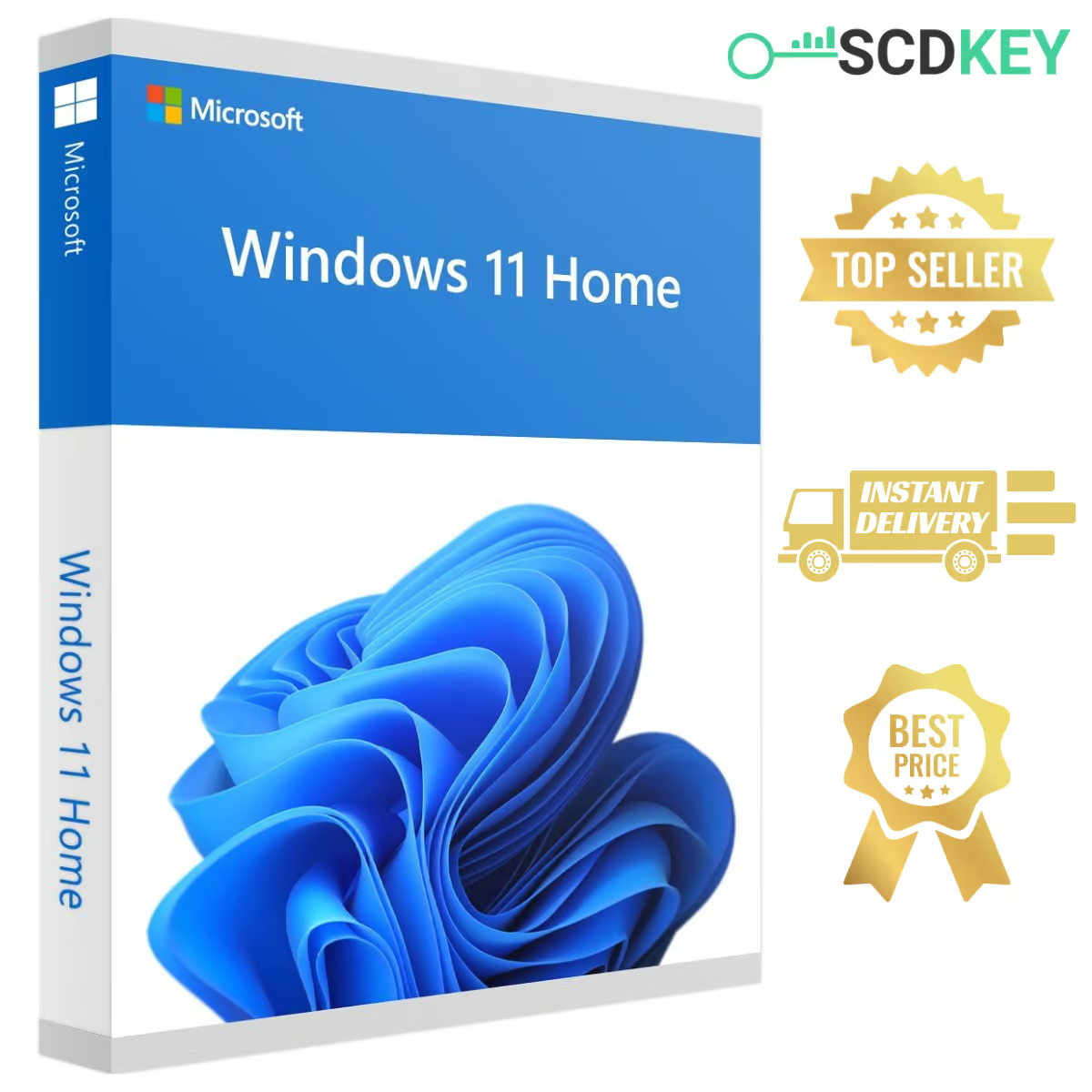
🔑 Buy a Windows 11 Home Key with Instant Delivery
Get your Windows 11 Home key from SCDKey for just $9.99 and activate the latest Windows on your personal PC. After payment, your Windows 11 Home product key is sent to your email – usually within 4–10 minutes – together with simple activation instructions.
Windows 11 Home is made for everyday users: browsing, school, streaming, gaming and working from home, with a modern design and built-in security.
⭐ What You Get with Windows 11 Home
✔ Modern, Clean Interface – centered Start menu and easier navigation.
✔ Windows Security – real-time protection with Microsoft Defender and Firewall.
✔ Snap Layouts & Virtual Desktops – multitask more efficiently.
✔ Gaming-Ready – DirectX 12 Ultimate and Auto HDR on supported hardware.
✔ Microsoft Store – download apps, games and tools.
✔ Multi-Language Support – use Windows 11 in your preferred language.
🤔 Windows 11 Home or Windows 11 Pro?
Choose Home if you use your PC for personal tasks, study, entertainment or gaming – it includes everything most people need.
Choose Pro if you need BitLocker encryption, Remote Desktop, Hyper-V or to join a company network. See our Windows 11 Pro key.
💡 Planning to upgrade to Pro later? You can easily upgrade from Windows 11 Home to Pro at any time with a Pro key. No reinstall or file loss is needed, and our delivery email includes clear instructions explaining exactly how to complete the upgrade.
⚡ How to Activate Your Windows 11 Home Key
1️⃣ Place your order on SCDKey and complete payment.
2️⃣ Check your email – your Windows 11 Home product key arrives within minutes.
3️⃣ On your PC, open Settings > System > Activation.
4️⃣ Click Change product key, enter your key and confirm.
📥 Download Windows 11 Home
Doing a clean install? Download the official Windows 11 installation media from Microsoft and select the Home edition during setup, then activate it with your SCDKey product key.
➡ Download Official Windows 11 from Microsoft
🚀 Fast Delivery – In Under 10 Minutes
✅ Your activation key is sent directly to your inbox after payment.
✅ Most deliveries complete within 4–10 minutes.
✅ Didn’t get it? Check your spam/junk folder or contact our support team.
✅ Use a valid email address at checkout.
🔄 Free Key Replacement & Support
If your key does not activate, contact us within 48 hours of purchase and we will replace it free of charge.
✅ Support 7 days a week – WhatsApp, email or live chat.
✅ Fast Issue Resolution – send your order number and a screenshot of the error.
🏆 Why Buy from SCDKey?
✔ Instant Digital Delivery – no waiting, no hassle.
✔ Affordable Price – Windows 11 Home for just $9.99.
✔ Multiple Payment Options – smooth and flexible checkout.
✔ Rated 4.75/5 by our customers.
🔧 System Requirements
✔ Windows 11 Home 64-bit
✔ OEM license – one key activates one PC
✔ PC compatible with Windows 11 (TPM 2.0 and a supported CPU)
✔ Internet connection required for activation
🛒 Related Products
➡ Windows 11 Pro Key
➡ Windows 10 Home Key
➡ Office 2021 Professional Plus Key
➡ All Windows 11 Keys
❓ Windows 11 Home Key – FAQ
How much does a Windows 11 Home key cost?
At SCDKey, a genuine Windows 11 Home key costs $9.99, delivered instantly by email within minutes.
Is this an OEM or Retail key?
This is an OEM key. It unlocks the full Windows 11 Home edition. Unlike a Retail key, it is tied to your PC’s hardware and cannot be transferred to another computer.
Can I use a Windows 11 Home key on Windows 11 Pro?
No. A Home key only activates Windows 11 Home. If Windows 11 Pro is already installed on your PC, you will need a Windows 11 Pro key.
Can I upgrade from Home to Pro later?
Yes! You can upgrade from Windows 11 Home to Pro at any time without reinstalling Windows or losing your files. When you purchase a Windows 11 Pro key from SCDKey, your delivery email includes clear, step-by-step instructions showing you exactly how to perform the upgrade smoothly.
Can I reinstall Windows on the same PC?
Yes. Once activated, the digital license is linked to your PC’s motherboard and will reactivate automatically whenever you reinstall Windows 11 Home on the same computer.
How do I check that Windows 11 Home is activated?
Open Settings > System > Activation. Under the edition details, you will see “Windows 11 Home” and the activation status will show as “Active”.
What if my key doesn’t work?
Contact our support team within 48 hours of purchase with your order number and a screenshot of the error. We will verify the issue and send you a working replacement key free of charge.
Built a new gaming PC and used this key for a fresh Windows 11 installation. Worked right away.
Fast, easy and reliable. Code came straight to my inbox within 2 minutes.
La clave tardó unos minutos y se fue a la carpeta de correo no deseado (Spam). Contacté con soporte y me atendieron al instante. Clave totalmente funcional.
Easy activation, key worked on the first try. Lost 1 star because the email took a couple of minutes to show up, but overall very happy with the purchase.
Cheap and authentic key. Activated my new budget PC build without any problem. Will buy from here again.